
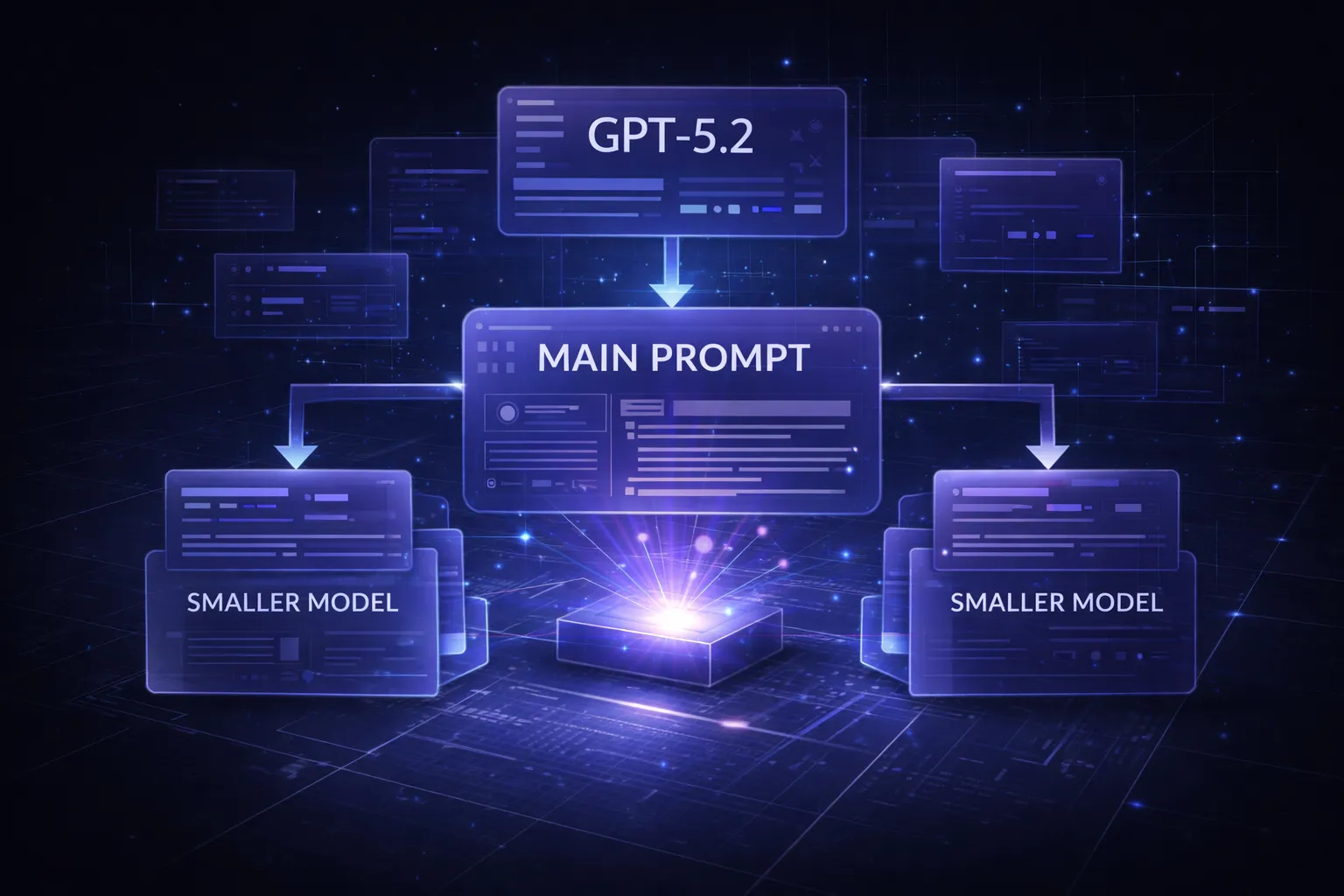
In 2026, the AI landscape has shifted dramatically. We’re no longer just chasing the most powerful model—we’re learning to orchestrate them. The metaprompt strategy has emerged as one of the most cost-effective techniques in modern prompt engineering, allowing developers to leverage premium models like GPT-5.2 as “architects” that design optimized system prompts for cheaper, faster models to execute.
What is Metaprompting and Why It Matters in 2026
A metaprompt strategy involves using a high-capability AI model to generate, refine, or optimize prompts that will be used by other models—often smaller, more economical ones. Think of it as having a master architect design the blueprints, while construction workers (your production models) execute the actual work.
The concept gained traction as reasoning tokens became a significant cost factor. Models like GPT-5.2 and Claude Opus 4 use substantial hidden processing for complex reasoning, making them expensive for high-volume tasks. According to OpenAI’s reasoning documentation, reasoning-heavy requests can consume 3-5x more tokens than traditional completion requests.
Metaprompting solves this by:
- Front-loading intelligence: Use expensive models once to create optimized instructions
- Scaling efficiently: Deploy those instructions across thousands of cheaper model calls
- Maintaining quality: Smaller models perform surprisingly well with expert-crafted system prompts
- Reducing latency: Lighter models respond faster, improving user experience
The technique has become essential for prompt engineering 2026 workflows, particularly as businesses move from experimentation to production-scale deployments where cost management directly impacts profitability.
The Architect and the Worker: GPT-5.2 vs GPT-4.1-mini
Understanding the role distinction between your “architect” and “worker” models is crucial for effective system prompt optimization. GPT-5.2 (or Claude Opus 4, Gemini Ultra 2.0) excels at meta-cognitive tasks—thinking about thinking, analyzing requirements, and crafting precise instructions. Meanwhile, GPT-4.1-mini, GPT-4-turbo, or Claude Haiku 4 are your workhorses: fast, affordable, and surprisingly capable when given clear direction.
Here’s a practical comparison for a customer support classification task:
| Model | Cost per 1M tokens | Accuracy (generic prompt) | Accuracy (metaprompt) |
|---|---|---|---|
| GPT-5.2 | $45 | 96% | 96% |
| GPT-4.1-mini | $2.50 | 78% | 92% |
The metaprompt approach delivers 92% accuracy at 5.5% of the cost. For a system processing 100M tokens monthly, that’s the difference between $4,500 and $250—a savings of $4,250 per month, or $51,000 annually.
The key insight: smaller models aren’t inherently inferior; they’re often under-instructed. When GPT-5.2 designs a comprehensive system prompt with explicit reasoning steps, edge case handling, and output formatting, GPT-4.1-mini can execute it reliably. As noted in Anthropic’s research on effective agents, clear task decomposition and explicit instructions dramatically improve smaller model performance.
Managing Reasoning Tokens and Hidden Processing Costs
One of the most overlooked aspects of AI cost management in 2026 is the explosion of reasoning tokens. Unlike traditional completion tokens that you see in the output, reasoning tokens represent the model’s internal “thinking” process—and they’re billed separately.
Here’s what many developers miss:
- Reasoning token multiplier: Complex queries can generate 5-10 reasoning tokens per output token
- Hidden in aggregates: Most dashboards show “total tokens” without breaking down reasoning vs completion
- Prompt-dependent: Vague prompts trigger more reasoning as models work to interpret intent
- Model-specific pricing: Some providers charge differently for reasoning tokens (often 2-3x completion rates)
The metaprompt strategy addresses this by creating precise, unambiguous instructions that minimize unnecessary reasoning. When your system prompt explicitly defines the task, provides the decision framework, and specifies the output format, the worker model doesn’t need to “figure things out”—it just executes.
Example of reasoning token reduction:
// High reasoning token prompt (vague)
"Analyze this customer email and respond appropriately"

// Low reasoning token prompt (metaprompt-optimized)
"You are a tier-1 support agent. Classify this email into exactly one category:
- BILLING (payment, invoices, refunds)
- TECHNICAL (bugs, errors, performance)
- ACCOUNT (login, password, settings)
- SALES (pricing, features, upgrades)

Output format: {category: 'CATEGORY_NAME', confidence: 0.XX}
If confidence < 0.85, output {category: 'ESCALATE', reason: 'brief explanation'}"
The second prompt reduces reasoning tokens by ~70% because the model doesn’t need to determine what “appropriately” means, what categories exist, or how to format the response. According to Google’s Gemini thinking mode documentation, explicit constraints and structured outputs are key to controlling reasoning overhead.
Step-by-Step Guide to Building a Metaprompt Framework
Implementing a metaprompt strategy requires a systematic approach. Here’s a proven framework used by AI teams managing production workloads:
Step 1: Define Your Use Case Requirements
Document exactly what your worker model needs to accomplish. Include success criteria, edge cases, and failure modes. Be specific about inputs, outputs, and constraints.
Step 2: Create the Metaprompt for Your Architect Model
This is where you ask GPT-5.2 (or your chosen architect) to design the optimal system prompt. Here’s a template:
You are an expert prompt engineer specializing in system prompt optimization for production AI systems.

Task: Create an optimized system prompt for GPT-4.1-mini that will [SPECIFIC TASK].

Requirements:
- Input format: [DESCRIBE]
- Output format: [DESCRIBE]
- Success criteria: [METRICS]
- Edge cases to handle: [LIST]
- Constraints: [LIMITATIONS]

The system prompt should:
1. Minimize reasoning tokens by being explicit and unambiguous
2. Include step-by-step instructions for complex decisions
3. Define output structure precisely (preferably JSON)
4. Handle edge cases gracefully
5. Be under 500 tokens

Provide the optimized system prompt, then explain your design decisions.
Step 3: Test and Iterate
Run your generated system prompt against a test dataset. Compare performance metrics (accuracy, latency, cost) against both your baseline and the architect model’s direct performance.
Step 4: Implement Versioning and Monitoring
Treat your metaprompt-generated system prompts as code. Version them, A/B test variations, and monitor production performance. Tools like Chat Prompt Genius can help you organize and version-control your prompt library as it grows.
Step 5: Establish Refresh Cycles
As your use case evolves or new model versions release, regenerate your system prompts. Schedule quarterly reviews where you re-run your metaprompt process with updated requirements.
Here’s a practical example for a content moderation system:
// Metaprompt input to GPT-5.2
"Create a system prompt for GPT-4.1-mini to moderate user comments for:
- Hate speech (severity 1-3)
- Spam/commercial content
- Personal attacks
- Off-topic content

Must output JSON: {action: 'approve'|'flag'|'remove', category: string, confidence: float, reason: string}
Handle ambiguous cases by flagging for human review if confidence < 0.90"

// GPT-5.2 output (system prompt for GPT-4.1-mini)
"You are a content moderation system. Analyze user comments and classify them.

CATEGORIES:
1. HATE_SPEECH_SEVERE: Explicit slurs, calls for violence (action: remove)
2. HATE_SPEECH_MODERATE: Derogatory generalizations about groups (action: flag)
3. HATE_SPEECH_MILD: Insensitive but not explicitly hateful (action: flag)
4. SPAM: Unsolicited commercial content, repetitive posts (action: remove)
5. PERSONAL_ATTACK: Direct insults to other users (action: flag)
6. OFF_TOPIC: Unrelated to discussion thread (action: flag if severe)
7. CLEAN: Acceptable content (action: approve)

DECISION PROCESS:
- Read the comment fully
- Check for category matches (can match multiple)
- Select the most severe category
- Assign confidence based on clarity of violation
- If confidence < 0.90, action must be 'flag' regardless of category

OUTPUT FORMAT (strict JSON):
{action: 'approve'|'flag'|'remove', category: 'CATEGORY_NAME', confidence: 0.XX, reason: 'one sentence explanation'}

EXAMPLES:
Input: 'Great point, I hadn't considered that angle'
Output: {action: 'approve', category: 'CLEAN', confidence: 0.98, reason: 'Constructive engagement'}

Input: 'Click here for cheap watches!!!'
Output: {action: 'remove', category: 'SPAM', confidence: 0.99, reason: 'Commercial spam'}

Input: 'People from [group] are kind of annoying sometimes'
Output: {action: 'flag', category: 'HATE_SPEECH_MILD', confidence: 0.75, reason: 'Potentially insensitive generalization, needs human review'}"
Measuring Success: Accuracy vs Inference Cost Savings
The ultimate test of your metaprompt strategy is the balance between performance and cost. You’re not aiming for identical performance to your architect model—you’re optimizing for the best accuracy-per-dollar ratio.
Key metrics to track:
- Accuracy retention: What percentage of architect model accuracy does your worker model achieve? Target: 90-95%
- Cost reduction: Total inference cost comparison. Target: 60-80% reduction
- Latency improvement: Response time difference. Smaller models are typically 2-4x faster
- Reasoning token ratio: Reasoning tokens / completion tokens. Target: < 2:1 for worker model
- Edge case handling: Performance on outlier inputs. This often reveals prompt gaps
Create a simple dashboard to monitor these metrics:
// Sample metrics for 1M production requests
Architect model (GPT-5.2):
- Accuracy: 96.2%
- Avg cost per request: $0.045
- Avg latency: 2.8s
- Total cost: $45,000

Worker model (GPT-4.1-mini with metaprompt):
- Accuracy: 92.7%
- Avg cost per request: $0.0025
- Avg latency: 0.9s
- Total cost: $2,500

Results:
- Accuracy retention: 96.4% (92.7/96.2)
- Cost reduction: 94.4% ($42,500 saved)
- Latency improvement: 68% faster
- ROI: Acceptable 3.5% accuracy trade-off for massive cost/speed gains
The key is establishing your acceptable accuracy threshold. For customer support routing, 92% might be excellent. For medical diagnosis assistance, you might need 98%+, justifying a more expensive model or hybrid approach where low-confidence cases escalate to the architect model.
When to Adjust Your Strategy
Monitor for these signals that indicate you need to regenerate your metaprompt:
- Accuracy drops below your threshold for 3+ consecutive days
- New edge cases emerge that weren’t in your original requirements
- User feedback indicates systematic misclassifications
- Your use case requirements change (new categories, different outputs)
- A new model version releases with different capabilities
Putting Metaprompt Strategy Into Practice
The metaprompt strategy represents a fundamental shift in how we think about AI deployment. Instead of choosing between “best model” and “cheapest model,” we’re learning to orchestrate multiple models, each playing to their strengths. The architect models bring intelligence and reasoning; the worker models bring speed and cost-efficiency.
As AI costs continue to evolve and reasoning tokens become a larger factor in 2026 pricing models, this approach will only become more critical. Organizations that master prompt engineering 2026 techniques like metaprompting will have a significant competitive advantage—not just in AI capability, but
